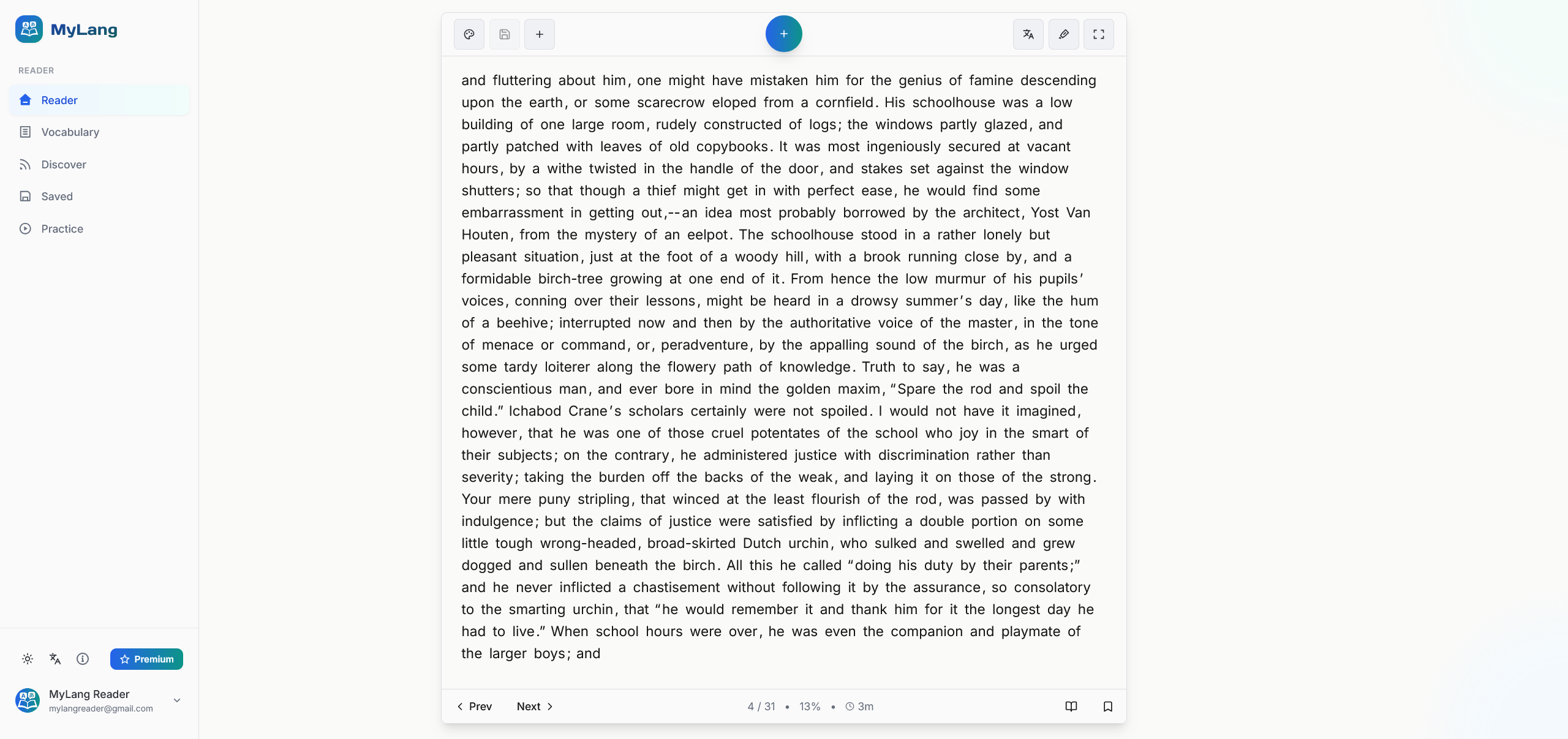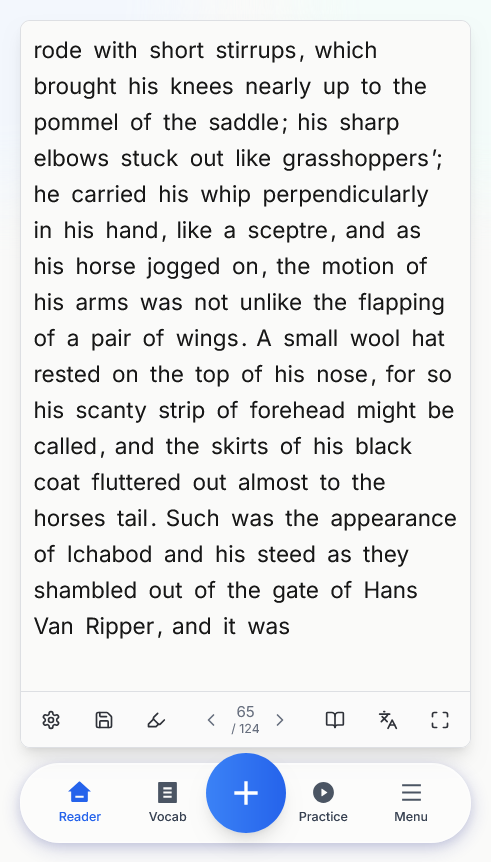
Welcome to MyLang Reader
MyLang Reader's strength is in its ease of use and clean interfaces. We wanted to eliminate all of the friction you feel while learning with immersion and comprehensible input approaches.
Tap the + button to import content
The first thing to do is finding and importing content to learn with. If you already have something, then choose IMPORT, if you want to find something choose DISCOVER.
Choose how to import
Paste any text directly, web article URL, YouTube links, upload a file (PDF, DOCX, EPUB, FB2, RTF, MOBI, AZW3, TXT), or reload something you've previously saved.
Browse your Feed
In DISCOVER, the Feed features a customisable RSS system. You get a constantly updating stream of articles and videos from the sources of your choice, along with built in sources.
Add your own sources
Use the Manage Sources button to add new feeds. Add YouTube channels URL and news feed RSS sources for constantly updating content from your favourite places.
Find articles and books
In the Find tab, search Wikipedia for articles and public domain books in your target language to import instantly.
Watch with interactive subtitles
YouTube videos play with click-to-translate subtitles so you can look up any word without leaving the video. There is also a text-only mode to read the transcript.
Click any word to learn it
Every word in the reader is interactive. When you come across new vocabulary, simply click the word to open its popover. Get the translation, definition, text-to-speech, and familiarity controls.
Build your vocabulary list
Add words straight to your vocab list, mark them as Known, or rate your familiarity from 1 (new) to 4 (nearly fluent). Everything you save flows into your practice deck for spaced repetition review.
Recognise progress at a glance
A useful feature of the reader is the highlighting system, you can see at a glance how well you understand any given text by automatically highlighting every word you've added to your vocab lists.
Customise your highlights
Use familiarity-based colour highlights (fully customisable) to grade words by how well you know them, and turn on New Word highlight to spot vocabulary you've never encountered before.
Translation Mode
Translate any text into target language content for learning, or translate any text into your native language for better understanding. Switch between views instantly.
Dual Reader Mode
Dual Reader splits the text by sentence so you can see both languages side by side. Perfect for more challenging texts where extra context makes a difference.
Practice with spaced repetition
In Practice mode, we can enforce our vocabulary with a state-of-the-art spaced repetition flashcard system. Build custom decks from any of your saved word lists.
Share and discover decks
Upload your own decks to share with the community, or download decks created by other learners from the Vocabulary Packs section of the site.
You're ready to start learning
Pick some content you love and dive in. The most important factor is consistency.